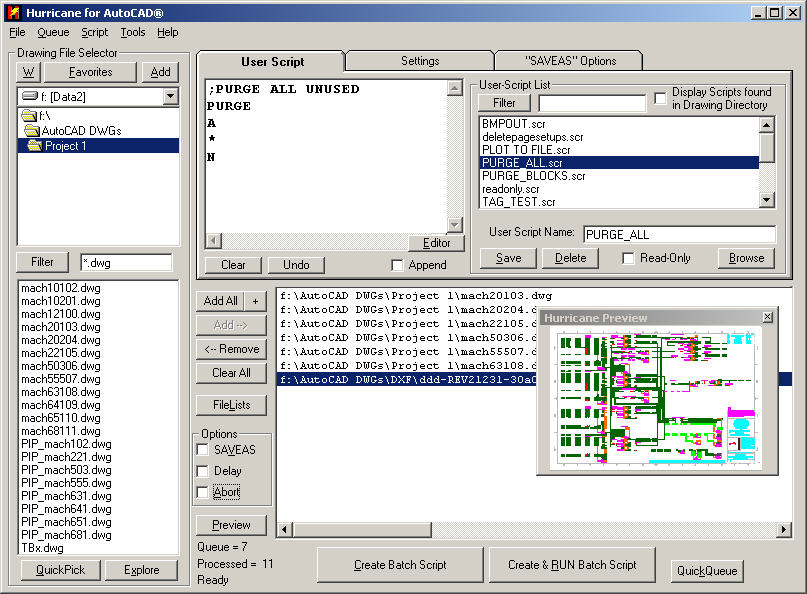





When you want to rapidly open a series of files, (either in multiple, or single sessions of AutoCAD), orSimply Double-Click on any file listed in either of the listboxes to LAUNCH the file in the appropriate editor.
This is not only for AutoCAD files. You could use this with any registered file-type, just set your "filter" accordingly.
Select the "QuickPick" button on the lower left, and get a floating file-selector to easily select the files you want.
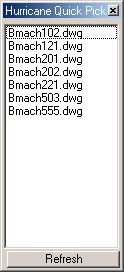
When using this in conjunction with the "filter" and "FileLists" button, you can bypass the AutoCAD file selector for added speed. Just ALT-TAB and select the next file for editing! (For interactive screenshot, please click here)