
 Start here
Hurricane Video Tutorials
Learn Hurricane with video tutorials and step-by-step guides. New to Hurricane? Start with the two "Start here" videos in the Setup section below.
Setup
Start here
 Start here
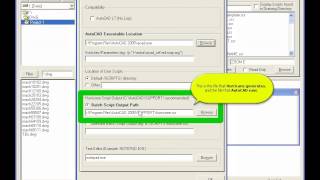
QuickStart: How to use Hurricane in 3 steps
1) Select Files 2) Select User Script 3) Click Create and Run.
▶ Watch on YouTube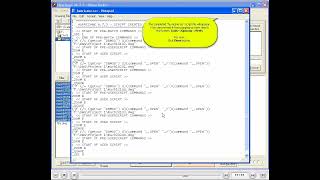
Create and Run a Simple Batch Script
Detailed walk-through of selecting files, scripts, and Create and Run.
▶ Watch on YouTube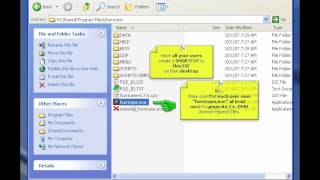
Features
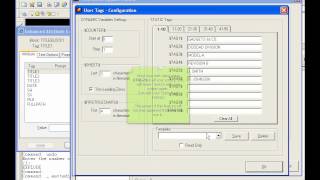
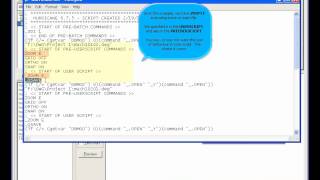
Title-Block Update Wizard - Part 1
How to use Hurricane's TitleBlock Update Wizard.
▶ Watch on YouTube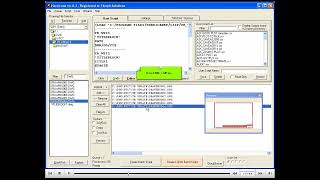
Title-Block Update Wizard & Renamer - Part 2
File Renamer and handling file collisions.
▶ Watch on YouTube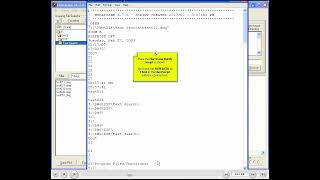
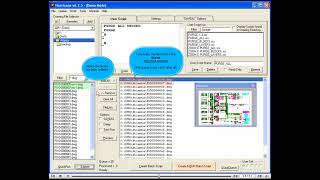
Explorer and Refreshing the File List Box
Refresh the list, Explore button, and validating the Queue.
▶ Watch on YouTube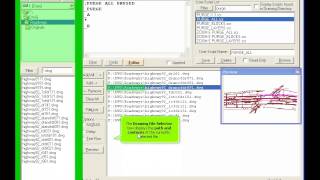
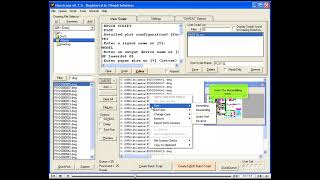
Sorting the Queue, Reordering Files
Reverse sort order, manual reordering, AutoSort options.
▶ Watch on YouTube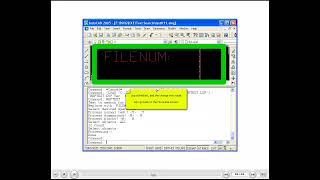
Search and Replace Text and intro to TAGS
Wizard operation, loading lisp, $SHEET$ TAG explained.
▶ Watch on YouTube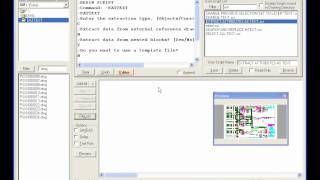
Combine Text Files (Attribute Extraction)
Combine EATTEXT CSV files for use in Excel.
▶ Watch on YouTubeRegistration
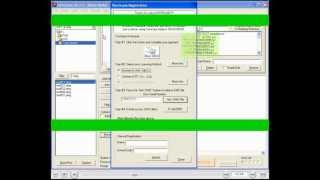
How to send me the .DMO file
Retrieve the .DMO file, send it to me, and licensing methods.
▶ Watch on YouTube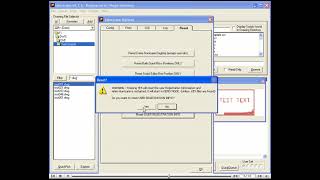
How to Reset User License file (for USB)
Register your KEY for a USB Flash drive when Hurricane is already on that PC.
▶ Watch on YouTubeReady to Try Hurricane?
Free trial with no time limit. Works with AutoCAD 2026 and all prior versions.
Download Free Trial Buy Now