Hurricane for Autodesk® AutoCAD®
Hurricane for Autodesk® AutoCAD®
Hurricane for Autodesk® AutoCAD®
Firstly, make sure Hurricane is installed and setup properly.
1) Run Hurricane
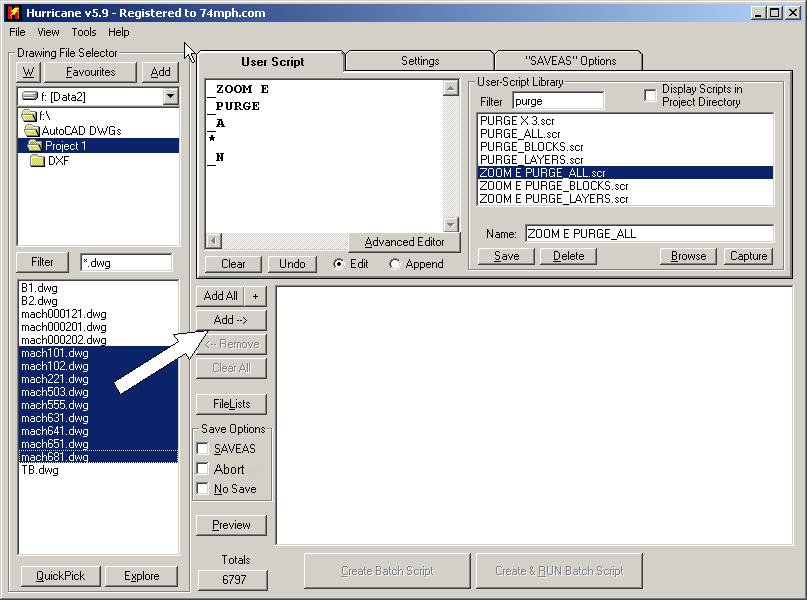
2) Select the files you want to process by adding them to the queue.
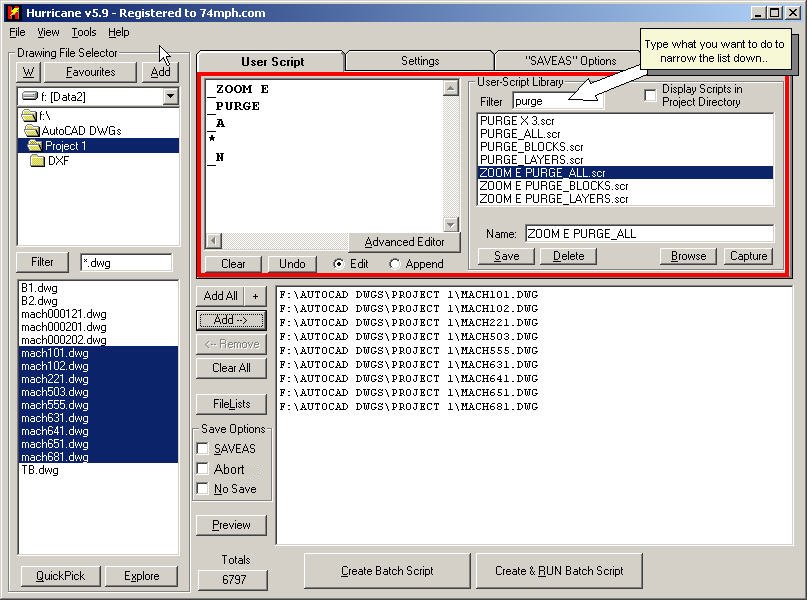
3) Select/Edit the script you want to apply to each of the drawings. (You can use a generic script)
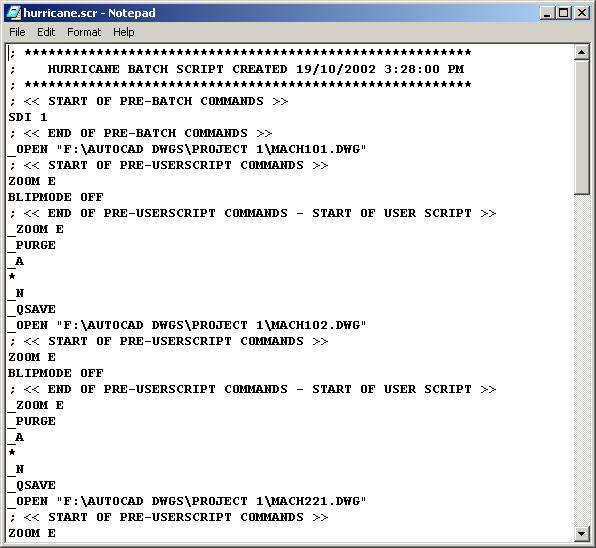
4) Press the "Create Script" button, and you should see Notepad open with your "Compiled" script (you can disable this automatic display feature in the "Tools -> Options" menu and PREFS Tab)
5) Open AutoCAD, and run the script... (you can run it using several methods... see AutoCAD Setup - Add Hurricane Button in AutoCAD)